

Business automation software helps GCC companies reduce repeated manual work, connect internal systems, and give managers clearer visibility into daily operations. It is most useful when a business has workflows that depend on email follow-ups, spreadsheets, manual approvals, repeated data entry, or disconnected tools.
What business automation means
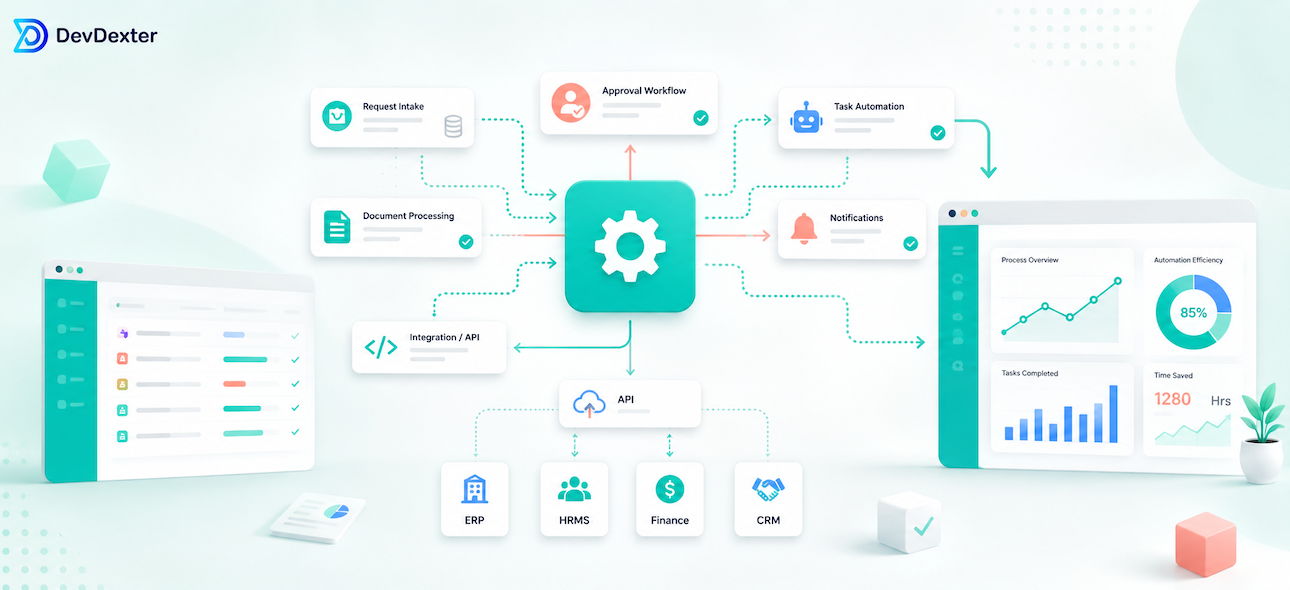
Business automation is not only about replacing people with software. In most companies, the real goal is to remove unnecessary repetition, reduce missed tasks, and help teams complete work in a more consistent way. Automation can route requests, send notifications, update statuses, generate reports, and connect systems behind the scenes.
A good automation project starts by mapping the workflow as it exists today. The team should identify where work begins, who reviews it, what data is required, where delays happen, and what reports are needed.
Common automation workflows
Useful workflows include approval systems, customer request handling, document review, invoice tracking, booking management, support tickets, finance operations, CRM follow-ups, and operational dashboards. For example, a service company may automate the path from customer inquiry to internal review, manager approval, and final customer update.
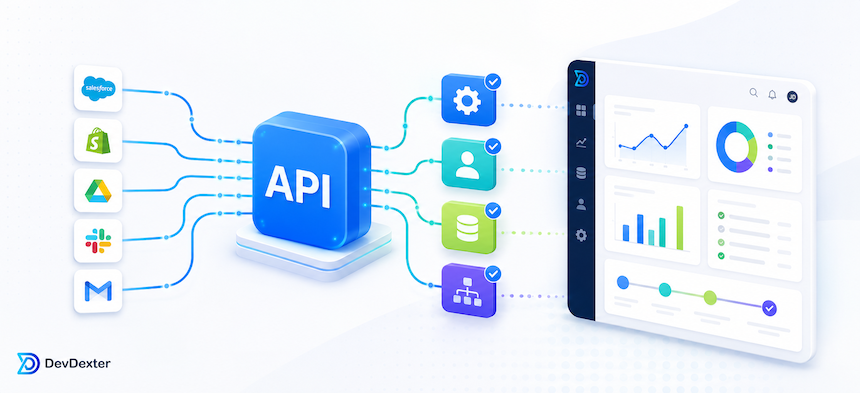
Automation can also help teams avoid duplicate data entry. APIs can connect websites, CRMs, payment gateways, accounting tools, email systems, and dashboards so information moves without manual copying.
Dashboards and reporting
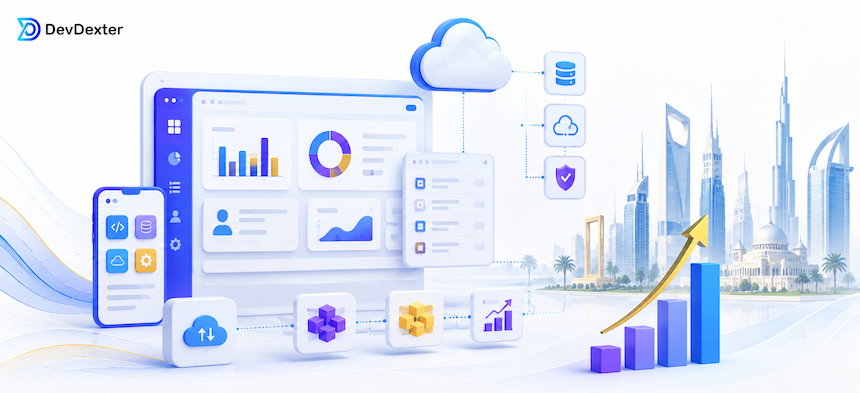
Automation becomes more valuable when it improves visibility. Dashboards can show pending tasks, team performance, customer activity, delays, revenue, support volume, or operational bottlenecks. This helps managers make decisions based on live information instead of scattered reports.
Reports should be designed around real business questions. A dashboard is not useful just because it has charts. It should help the company understand what needs attention and what is improving.
AI and automation
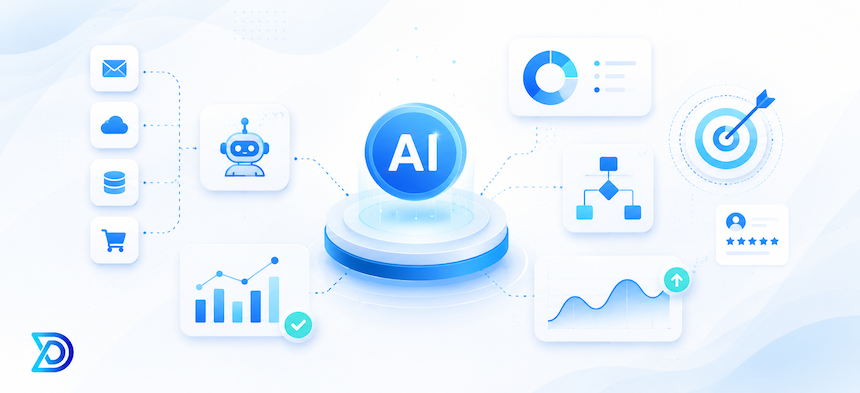
AI can support automation by classifying messages, summarizing documents, preparing draft replies, and identifying patterns in data. It should be used carefully, especially in workflows involving refunds, legal decisions, customer complaints, or sensitive records.
The best approach is to combine rule-based automation with AI-assisted steps and human approval where needed.
How DevDexter can help
DevDexter builds custom automation systems, dashboards, APIs, portals, and AI-assisted workflows for businesses that need practical operational tools. We focus on clear workflows, maintainable systems, and improvements that can grow over time.
What to prepare before starting
Before development begins, the business should prepare examples of current workflows, common customer questions, existing tools, required reports, user roles, approval steps, and any systems that need to be connected. This preparation makes the project more accurate and reduces the chance of expensive changes later.
It also helps to define the first version clearly. A focused first release can solve the main problem, collect feedback from real users, and create a stronger foundation for future improvements. Trying to include every possible feature from day one often slows the project and makes decisions harder.
Implementation roadmap
A professional implementation usually starts with discovery and planning, then moves into content or data preparation, user experience design, backend development, integrations, testing, deployment, and post-launch support. Each stage should have clear responsibilities and review points.
For business systems, testing should include real scenarios instead of only checking whether screens load. The team should test permissions, edge cases, data validation, notifications, mobile behavior, security rules, and the way users complete the main workflow.
How to measure success
Success should be measured with practical business indicators. Depending on the project, this may include fewer manual tasks, faster response time, better lead quality, fewer errors, clearer reporting, more completed forms, improved customer satisfaction, or lower support workload.
The most valuable digital systems are improved over time. After launch, real usage data can show which parts work well, which sections confuse users, and which features should be improved or removed.
Long-term maintenance and improvement
A serious business system should not be treated as a one-time file delivery. It needs updates, backups, monitoring, security checks, content changes, and small improvements based on real feedback. Planning maintenance early helps protect the original investment and keeps the system useful as the business changes.
This is also important for SEO and conversion. Search behavior changes, competitors improve, and customer expectations grow. Reviewing performance, updating important pages, improving calls to action, and cleaning technical issues can help the website or system keep producing value after launch.
Content, tracking and decision making
For any commercial page or digital system, tracking should be planned early. Form submissions, quote requests, call clicks, email clicks, chatbot interactions, and important CTA clicks can show whether the page is attracting the right users. These signals help the team make better decisions instead of guessing.
Content should also be reviewed regularly. Strong pages answer real buyer questions, explain the process clearly, reduce uncertainty, and guide visitors toward a practical next step. When content, design, development, and tracking work together, the project has a better chance of producing measurable business value.
Frequently Asked Questions
What tasks can be automated first?
Start with repetitive tasks that have clear rules, such as approvals, notifications, status updates, document checks, or report preparation.
Does automation require replacing existing software?
Not always. Many automation projects connect existing systems using APIs and add a custom layer for workflow, dashboards, or reporting.
How do you avoid automation mistakes?
Start with a focused workflow, test with real cases, keep logs, and include human review for sensitive decisions.
Need help planning a reliable digital system? Explore our services, review pricing, or contact DevDexter to discuss your project.
Need a custom website, app, or AI automation system?
Contact DevDexter to discuss your project and get a practical development plan.